
Create & Engage
Bring a continuity-style experience to Android and Mac
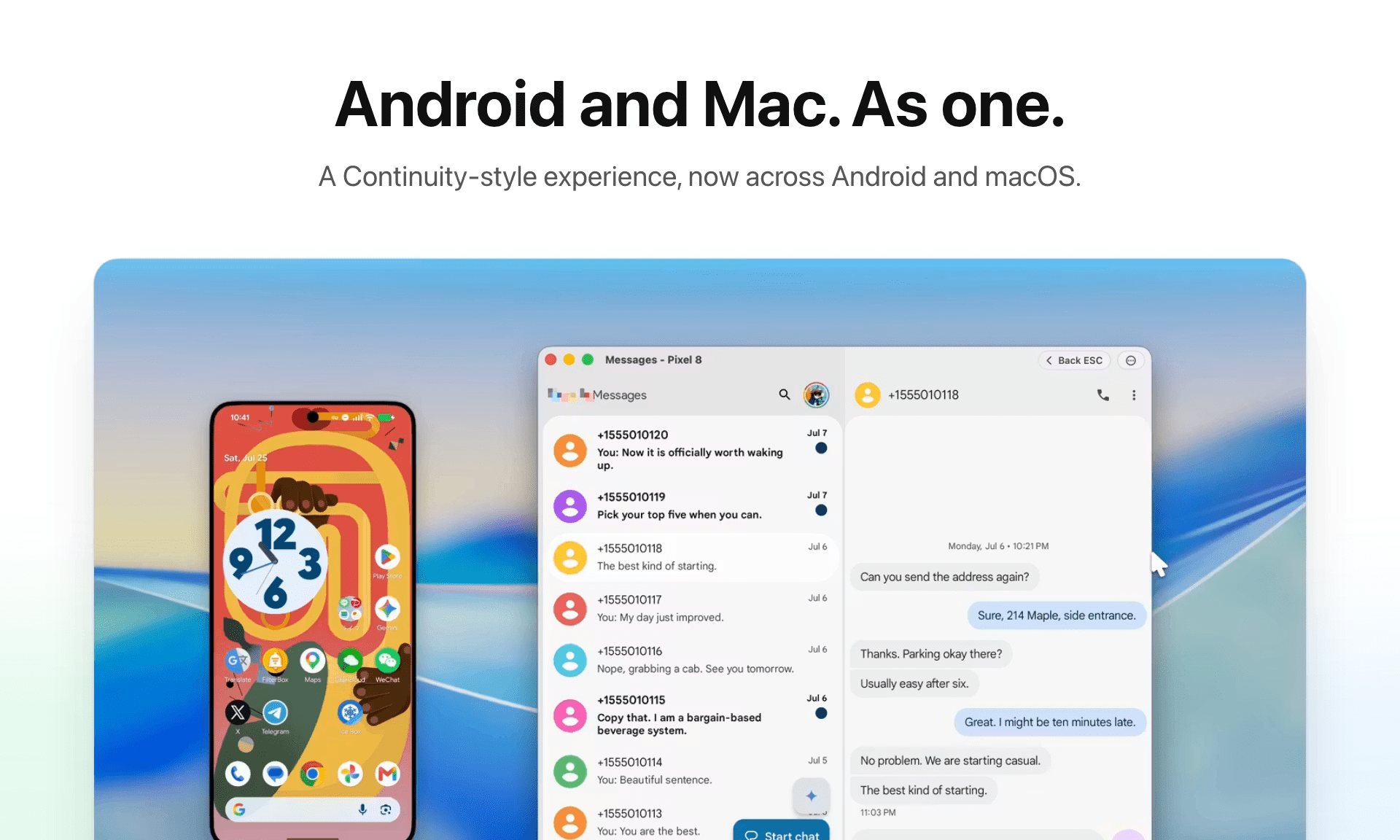
AndroMeld brings a Continuity-style experience to Android and Mac. Mirror multiple Android apps in separate, resizable, native-like Mac windows, hand off the app already open on your phone, and control it with keyboard & trackpad gestures. Browse Android storage in Finder, sync notifications and clipboard, and turn on your phone’s hotspot over Bluetooth. Support any Android 16+ devices connect by USB or Wi-Fi, with a free Web App available.
Revolutionizing circular fashion through AI-driven textile recycling.
Use your phone's apps on your Mac, as seamless as native windows
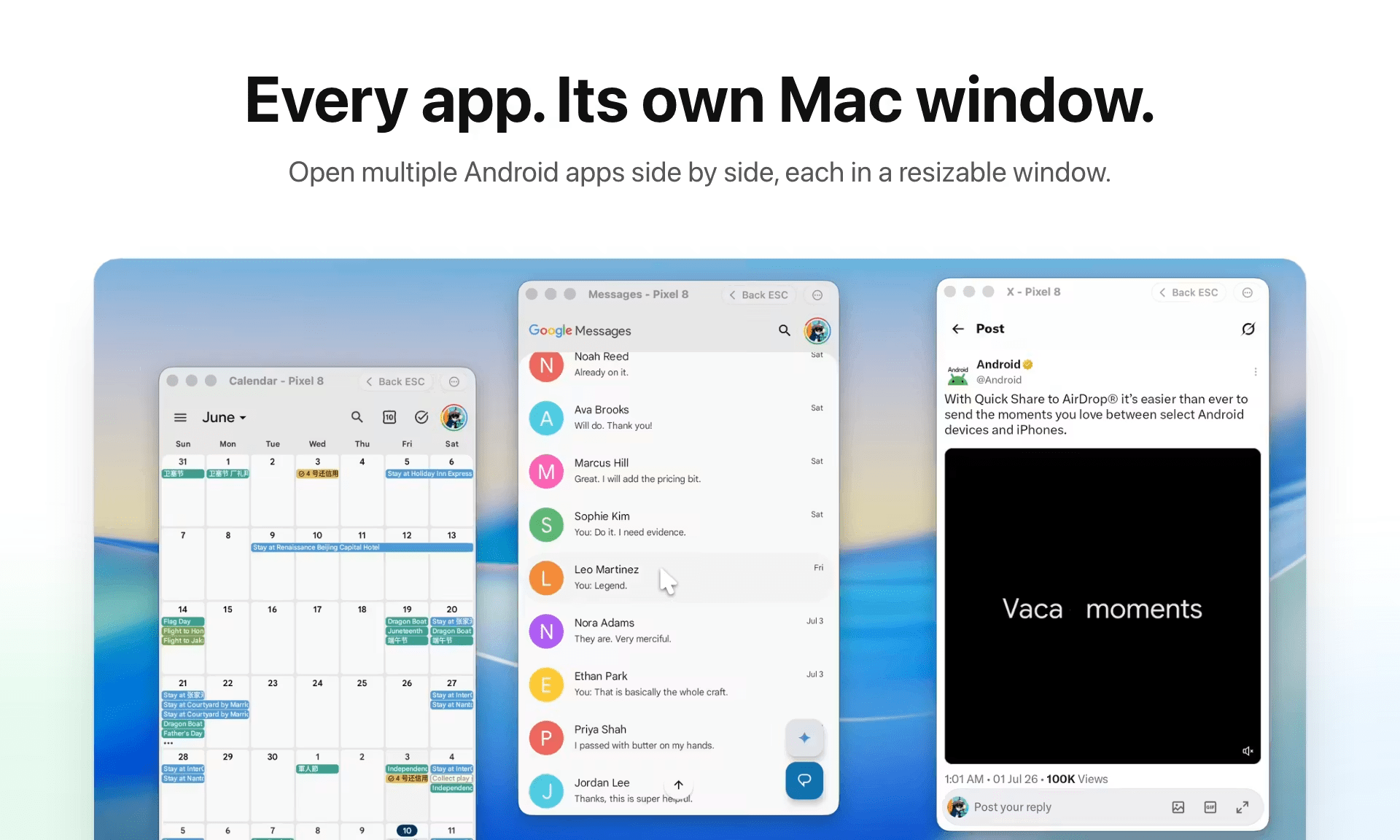
Android apps
Each one in its own resizable window
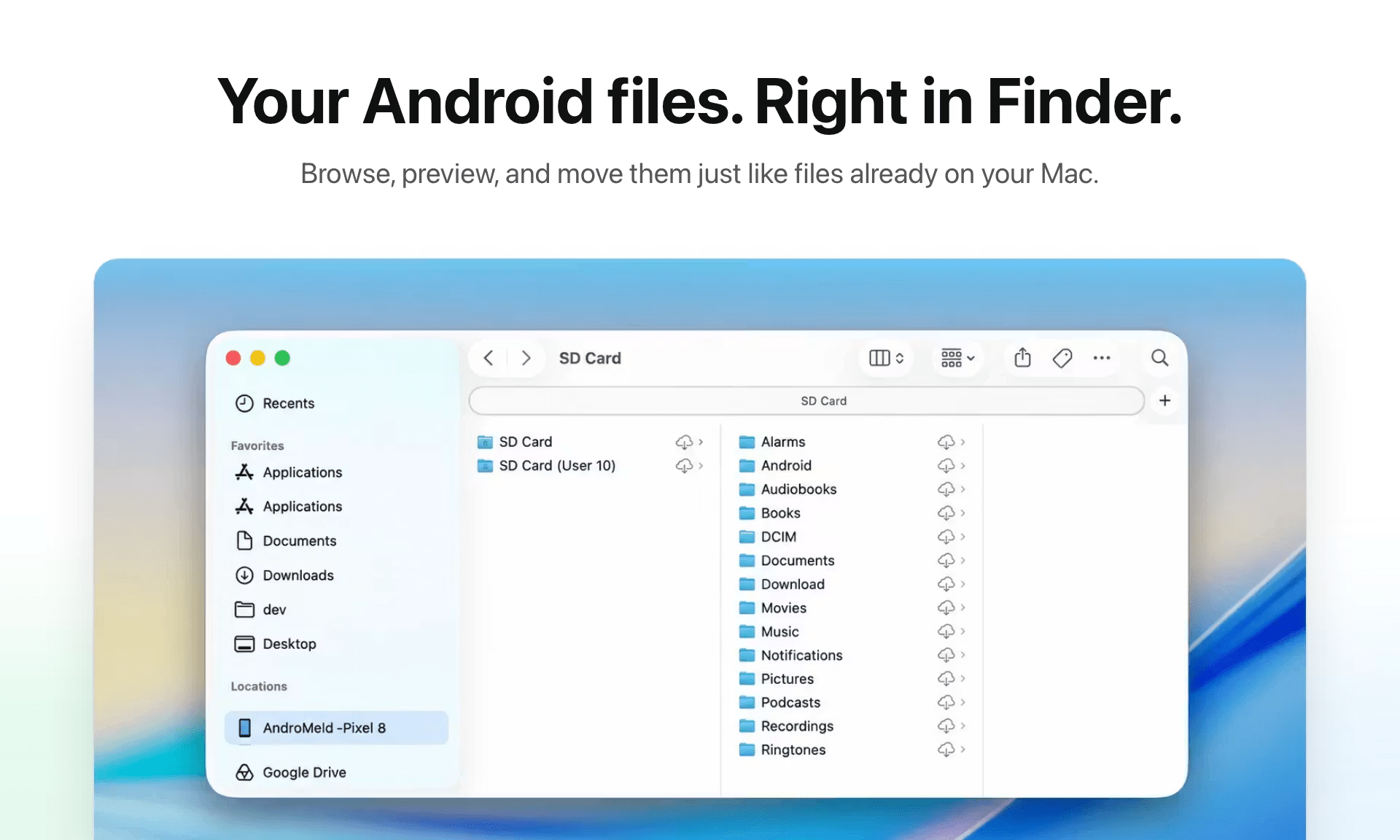
Android files
Manage them natively in Finder
Notifications and clipboard
In sync across your phone and Mac
01
App mirroring
Open each Android app directly from your phone in its own resizable window, with low-latency screen and audio, without an Android emulator
Navigate with multi-finger swipes, just like in a native Mac app
Search Android apps in Spotlight and open them straight into a Mac window
Hand off an app you were using on the phone and keep going on your Mac
02
Finder integration
Access your Android files natively in Finder over USB or Wi-Fi
Rename, copy, and move with the Mac shortcuts you already use
Manage and back up your Android files just like an iPhone
Mac system files like .DS_Store are filtered out automatically
Need help connecting? Follow the Android setup guide
03
Continuity
Android notifications show up in Notification Center as they arrive, so you can copy a verification code straight from the banner
Copy on one device, paste on the other. Text and images, both directions
Drop Mac files into the current Android app, and open Android links in your Mac browser
04
MCP support
Works with any MCP-capable agent: Codex, Claude Code, OpenClaw, and more
Optimized for agents: efficient, structured, and token-saving
Full step-by-step replay shows what the AI saw and where it tapped
Read the MCP setup guide in the Help Center
05
Essentials
Inspect permissions and compatibility before you install. APK, APKS, and XAPK supported
Plug in over USB, or let AndroMeld reconnect automatically on your trusted Wi-Fi
Files and screens travel directly between your Mac and your phone, never through a cloud server
06AndroMeld WebNew
AndroMeld Web lets you open and control apps from your Android phone in any browser, with no desktop software to install
Runs with zero desktop installs
Open directly in any browser
Connect over USB or wirelessly
Run up to 4 apps at once
Loading comments...
How the community currently views this idea
Independent Android developer behind IceBox (5M+ downloads), FilterBox. Currently building AndroMeld, a new way to bring continuity-style integration to Android and Mac.
Loading...